¶ Direct Messages
¶ What are Direct Messages?
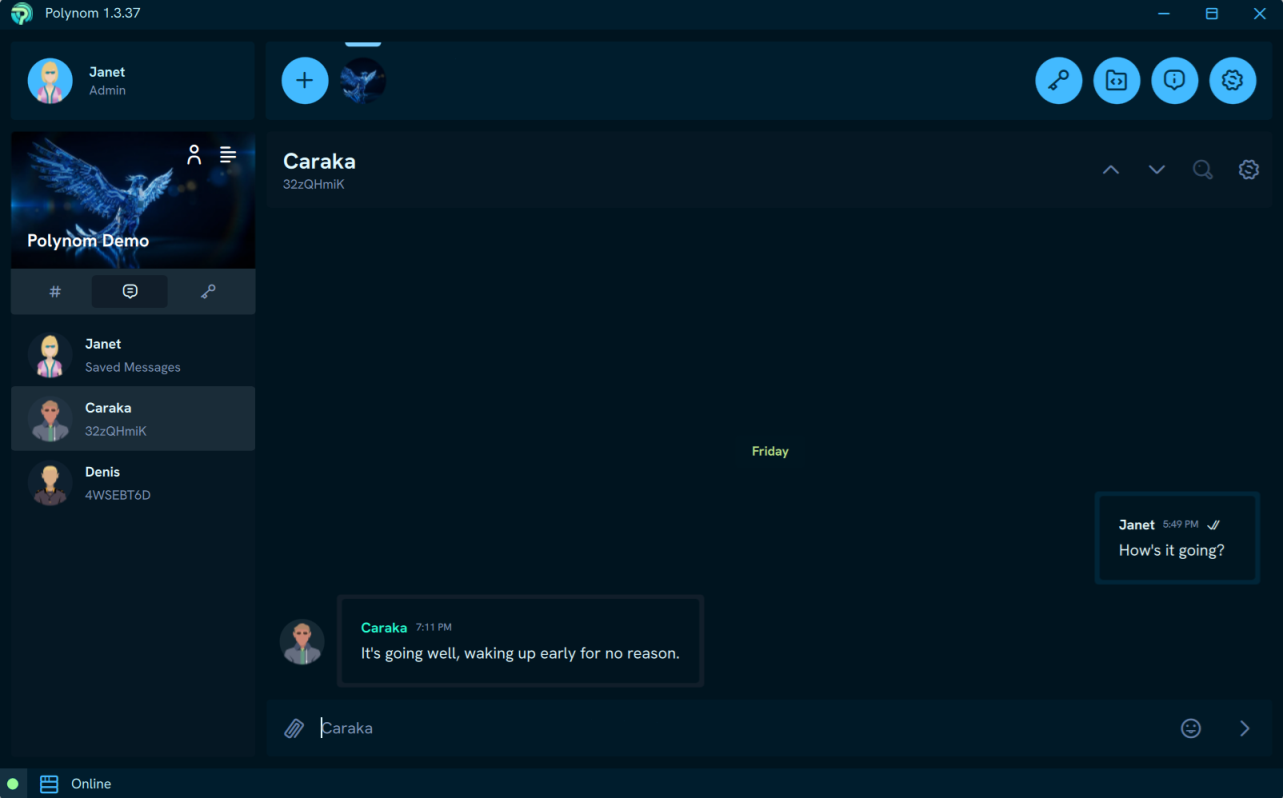
Direct Messages are private Chats between you and one other User. You can find all your active Direct Message conversations in the Direct Messages tab on your server.
¶ How do I Start a Direct Message?
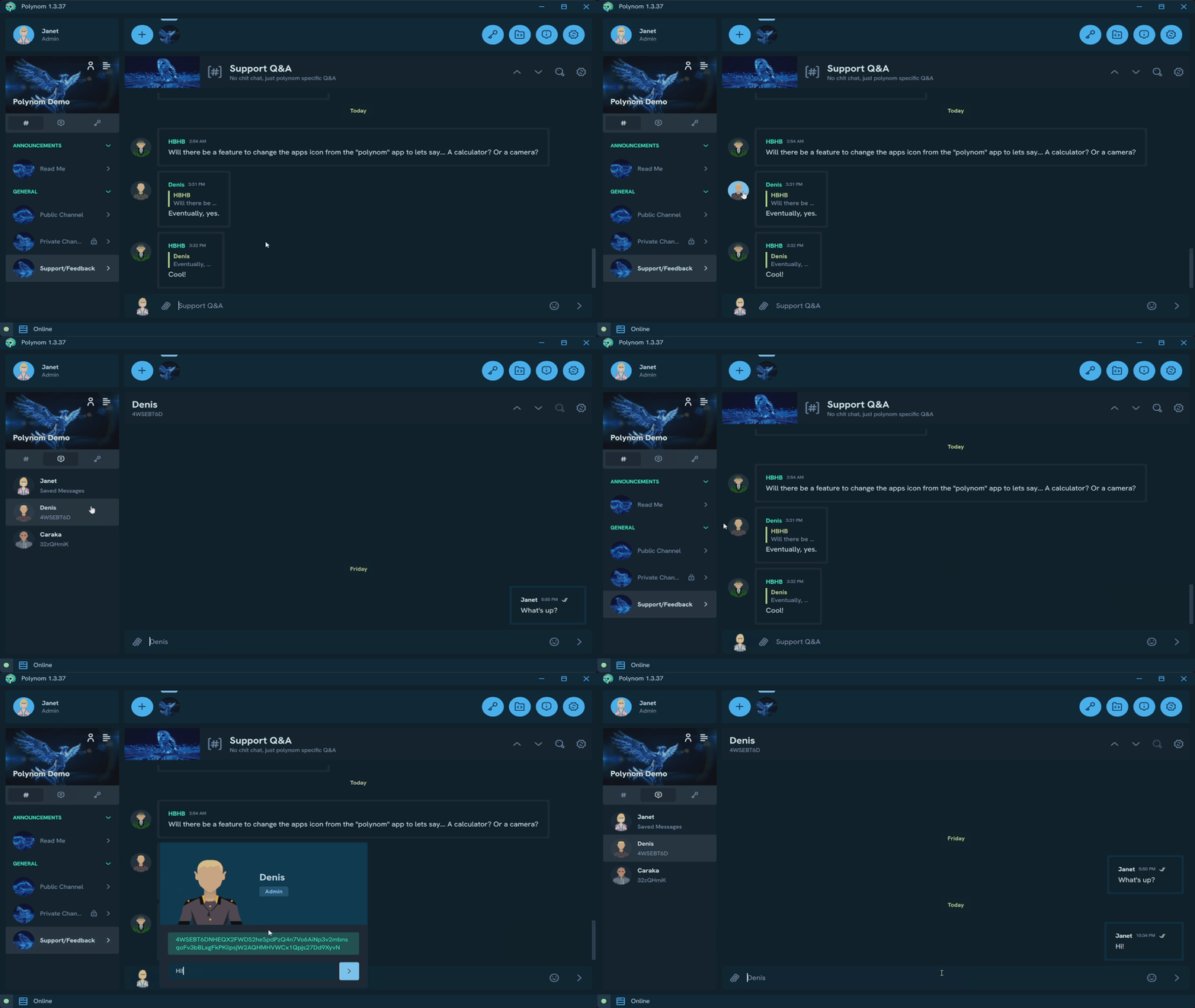
There are two ways to open a Direct Message with a User. Right-click any User and press Direct Message, or left-click them to open their User Details popover and send a message from there. Either way, you will be automatically navigated to the conversation as your message is sent.
¶ Deleting Direct Messages
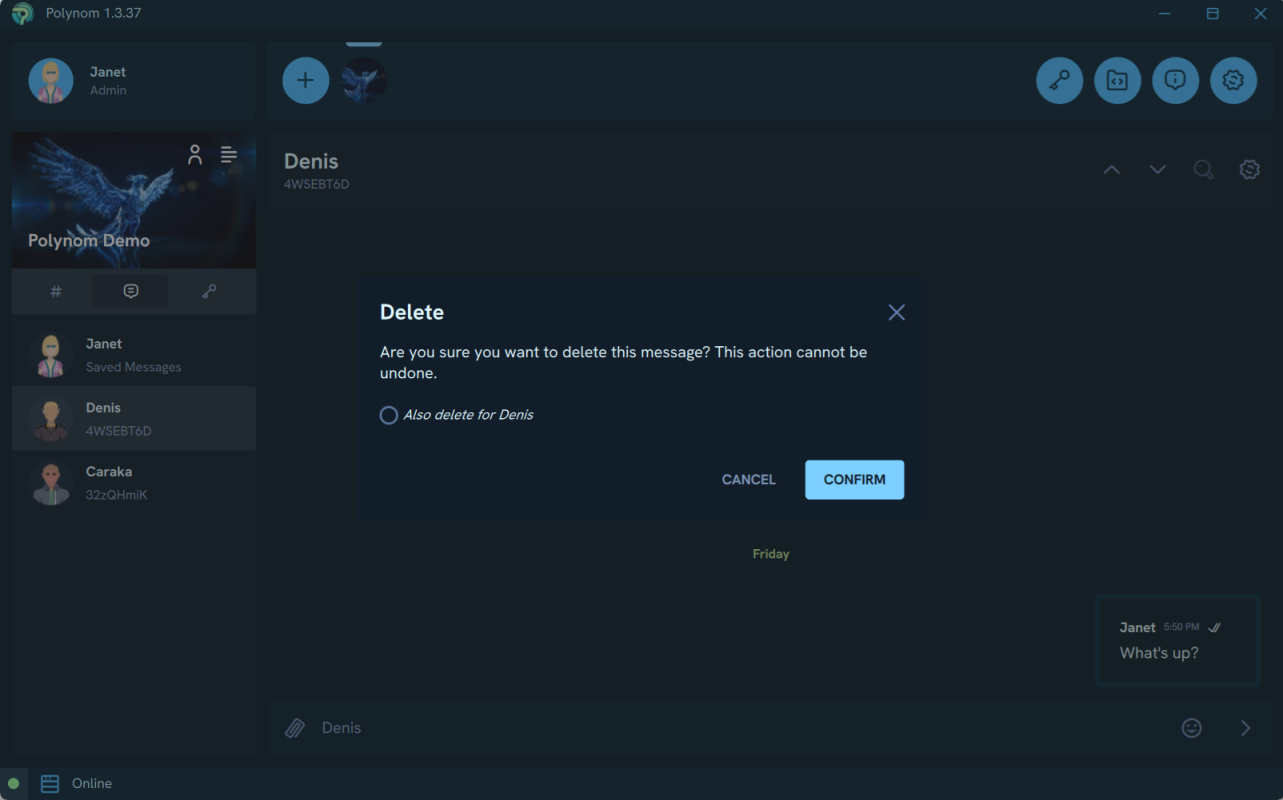
Deleting an individual message gives you the option to delete it just for yourself or for both Users. This option is only available on messages you have sent.
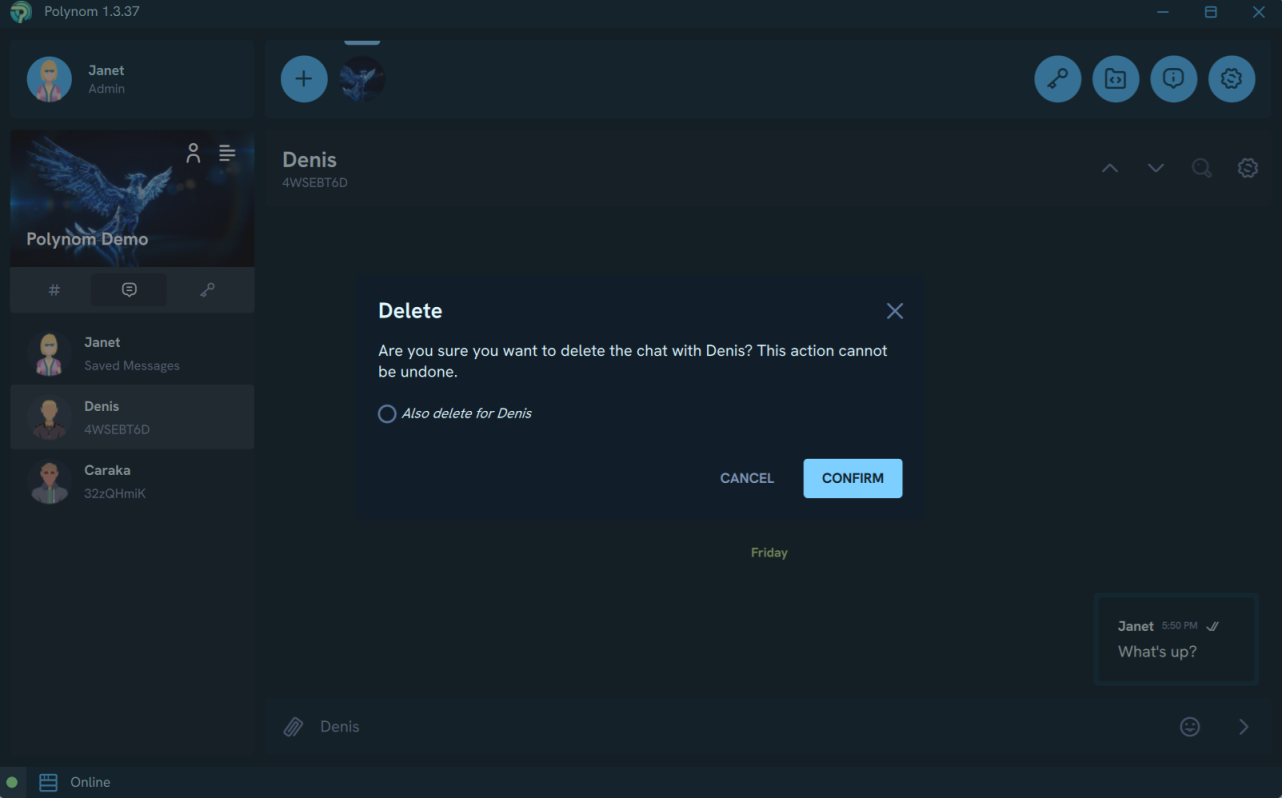
Deleting an entire conversation also gives you the option to delete it just for yourself or for both Users. Unlike deleting an individual message, this option is available on any Direct Message conversation.