¶ Transfers
The Transfers page tracks all active and completed file transfers across Polynom. It is accessible directly from the Toolbar and through Settings.
¶ Structure
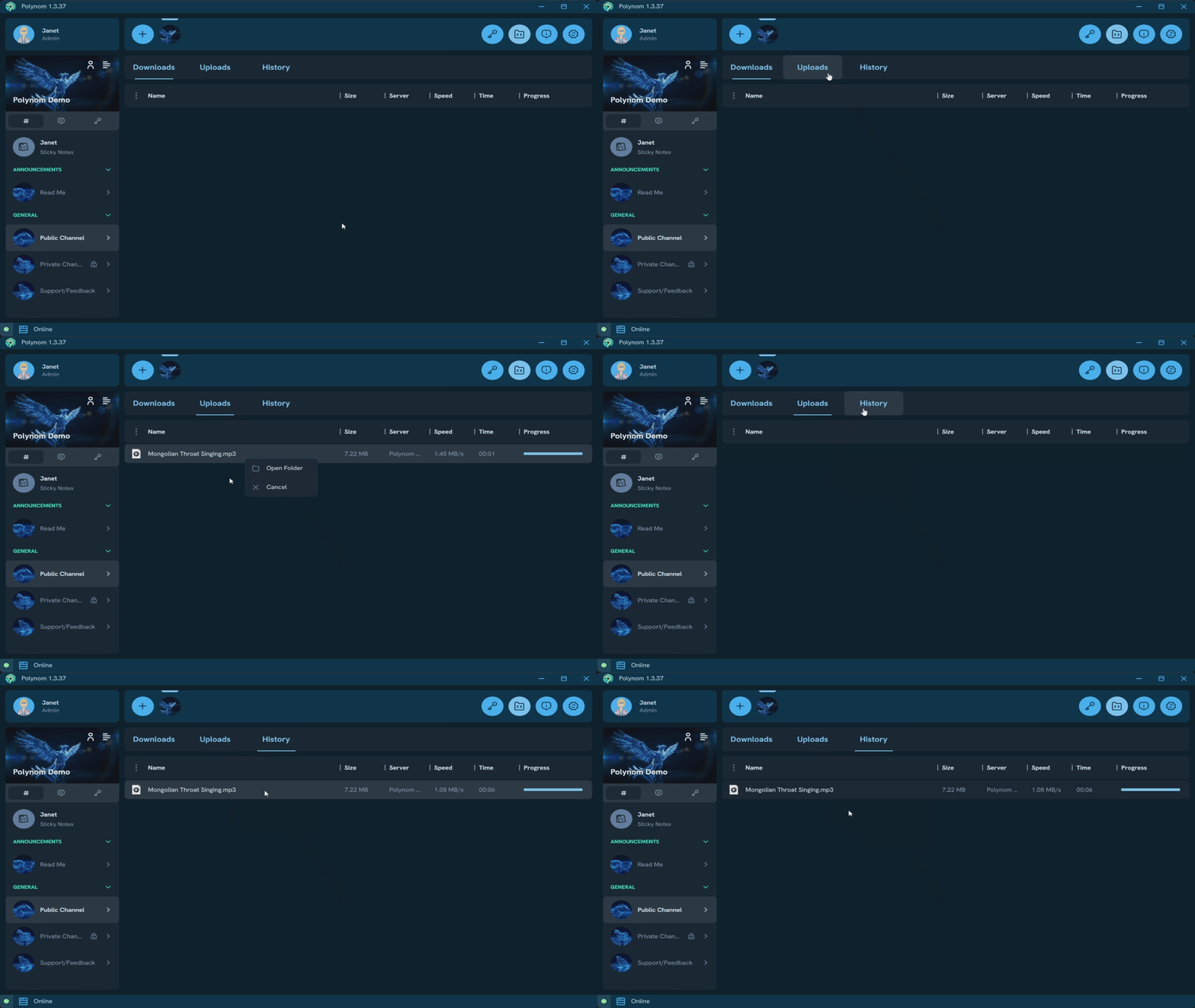
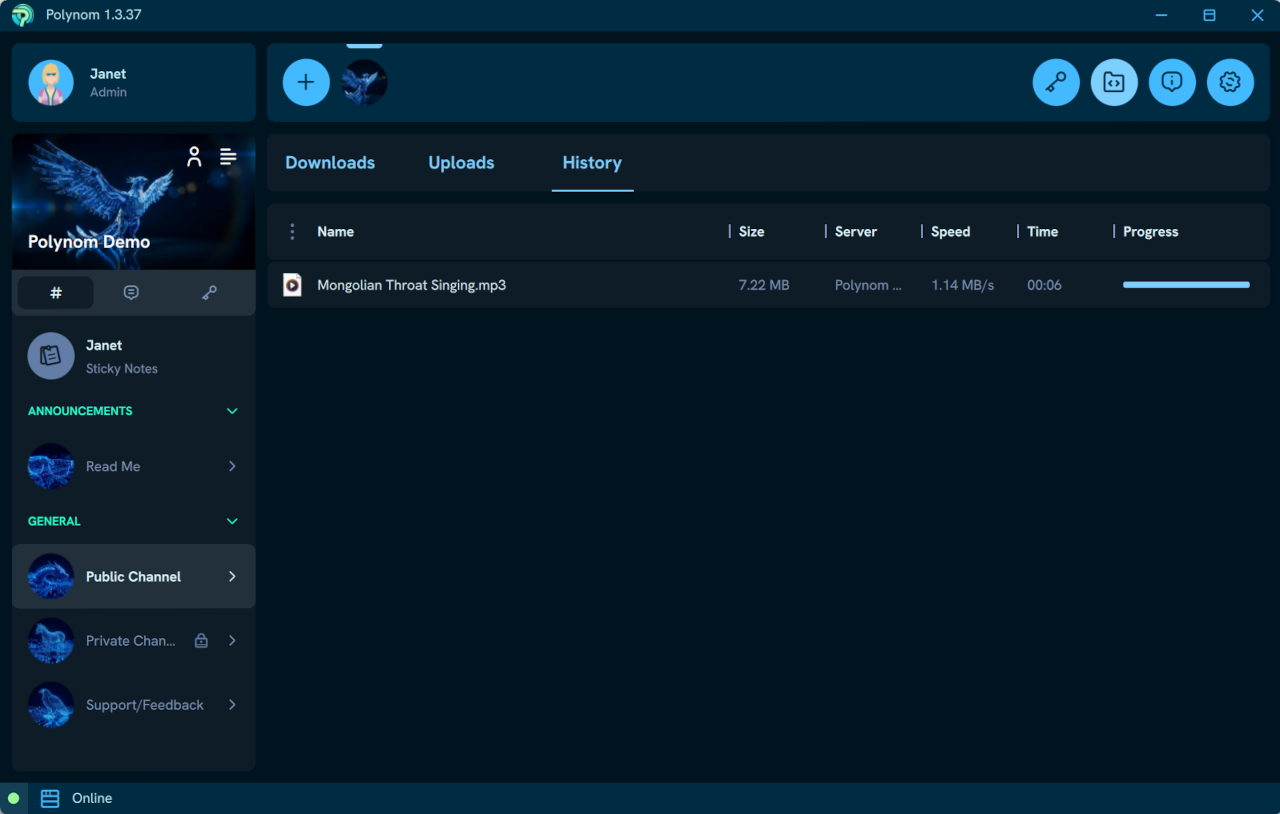
The Transfers page is organized into three tabs:
- Downloads - Shows all active incoming transfers
- Uploads - Shows all active outgoing transfers
- History - Shows all completed transfers
When a transfer begins, it appears automatically on either the Downloads or Uploads tab. Once complete, it moves to the History tab.
The default column headers are Name, Size, Origin/Destination Server, Transfer Speed, Time, and Progress. File Type is available but disabled by default. As with File Rooms, column widths can be adjusted and entries can be sorted by pressing any column header.
The Time column shows the estimated time remaining for active transfers. In the History tab, it shows the total duration of the completed transfer.
Note: Not all transfer types currently appear on this page. Most downloads and some uploads, including File Room uploads, are supported. Coverage will expand in future releases.
¶ Managing Transfers
Right clicking an entry on the Downloads or Uploads tab provides two options:
- Open Folder - Opens the folder containing the file on your device
- Cancel - Cancels the active transfer
Right clicking an entry on the History tab provides three options:
- Open - Opens the file directly
- Open Folder - Opens the folder containing the file on your device
- Remove - Removes the entry from the History tab